Step 1
Legal documents, in plain language
Wills, leases, contracts and a growing library of essential documents — each one explained in plain words.
Now on iPhone and Android
Paperbird guides you through a growing library of everyday legal documents with plain-language questions — in English or Spanish, on your phone, at your own pace.
Not a law firm. No legal advice — honest document drafts you finish yourself.

From blank page to finished draft, in three steps.
Wills, leases, contracts and a growing library of essential documents — each one explained in plain words.

A friendly step-by-step guide turns your answers into a clean draft you can review and edit.
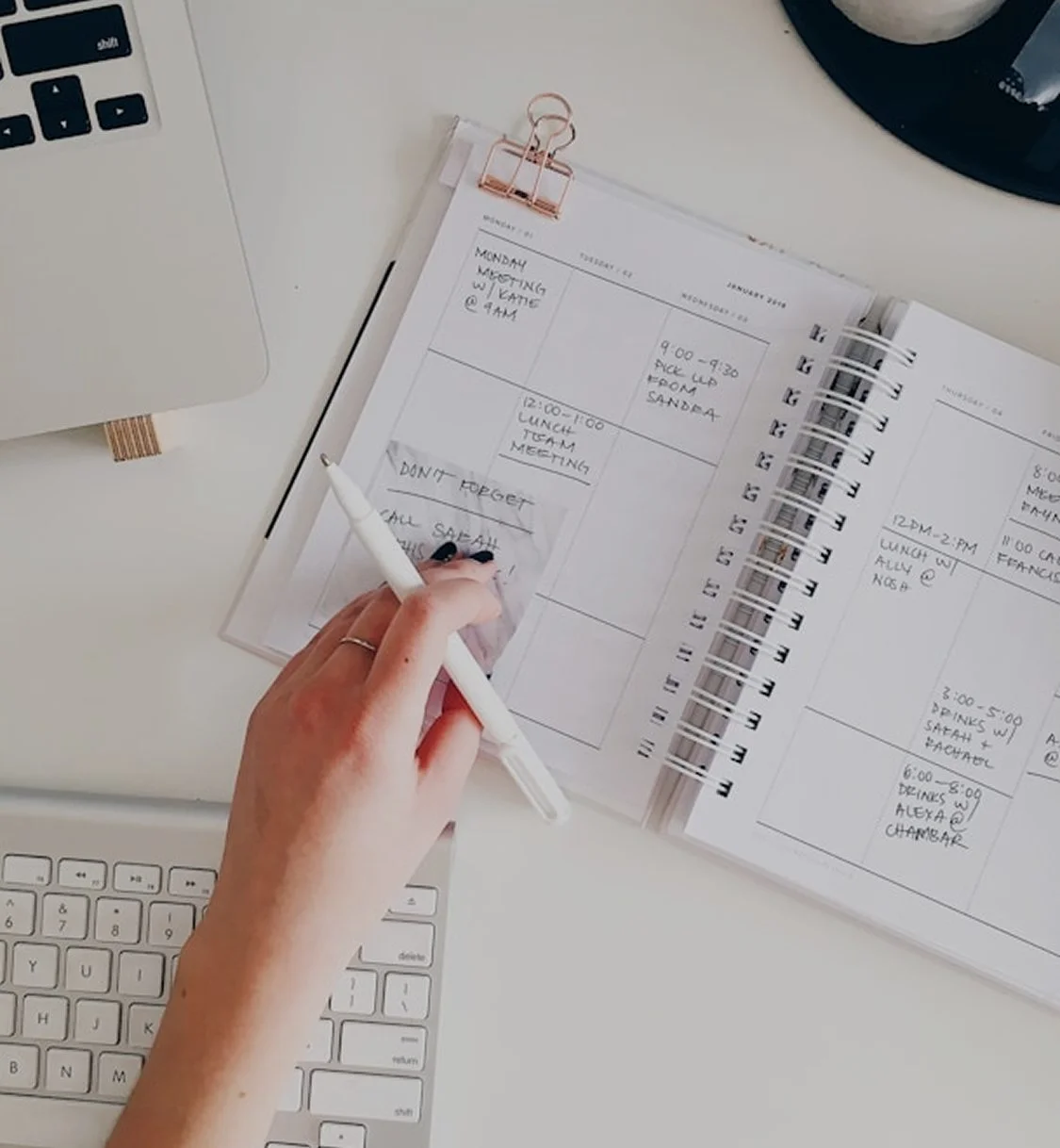
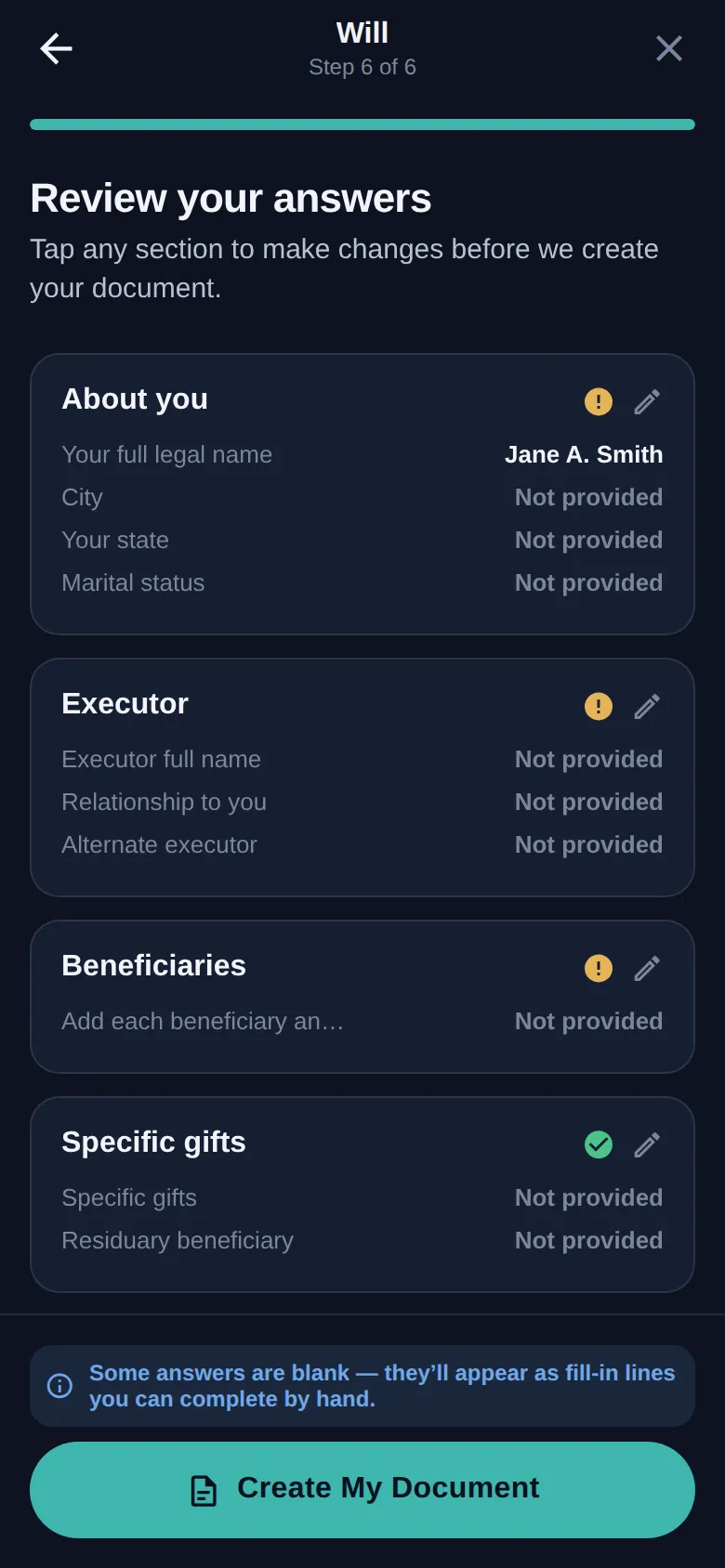
Export a polished PDF and follow a simple checklist — witnesses, notary, storage — so you know what’s left to do.
No account needed — jump right in.
From plain-language questions to a PDF draft — start to finish.
Built for real people with real paperwork.
Every wizard, explanation, and screen is available in English and Spanish. Switch anytime — your work comes with you. Finished documents are drafted in English.
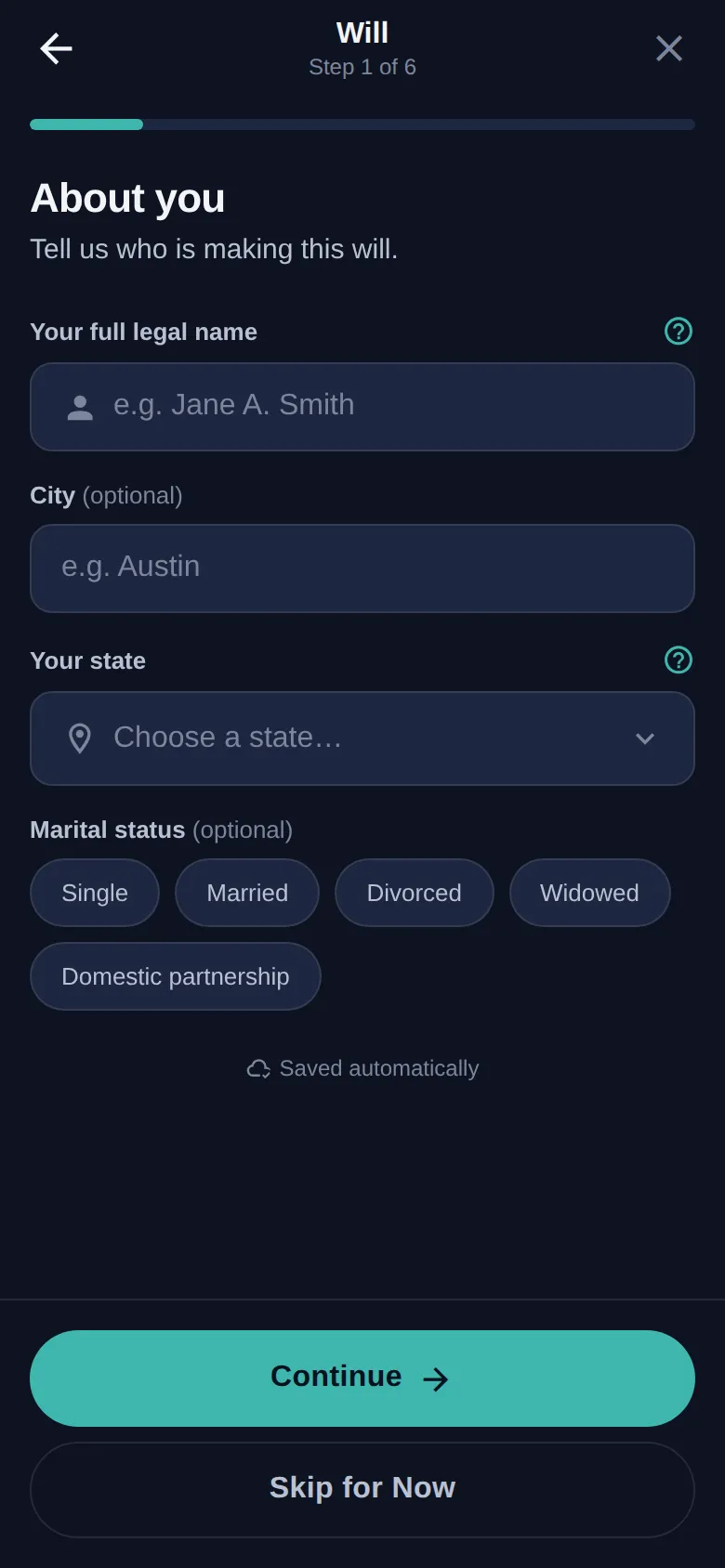
Step-by-step questions in plain language, with “why we ask” explanations, progress bars, autosave, and the option to skip anything and fill in blanks by hand.
Use the full app without creating an account. You can create documents without a connection, and your documents move to an account if you sign up later.
Export clean, serif-typeset PDFs to print, share, or send. Sign in the app where a signature is enough; the checklist shows which documents need paper, witnesses or notarization.
Every document ends with an execution checklist — witnesses, notarization, filing — plus a Find a Notary shortcut, so you know what’s left after the draft.
No subscriptions or paywalls to create your documents.
Organized the way life is — each with plain-language notes, a guided wizard and signing steps.
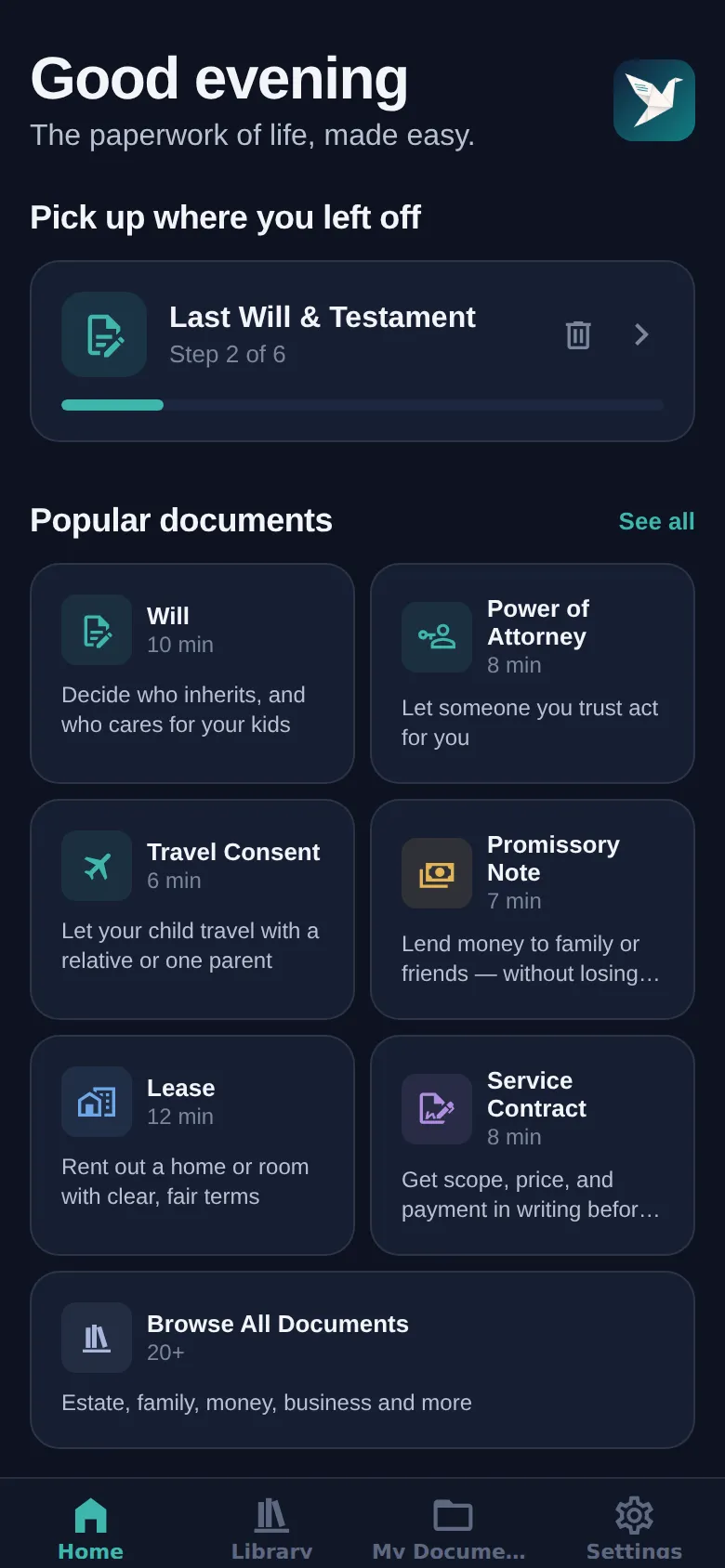
Tap any document to see what it does, who it’s for, and the steps to sign it.
Real screens, straight from the app. Flip the toggle above to see them in dark mode. You’re seeing dark mode — the toggle above switches back.
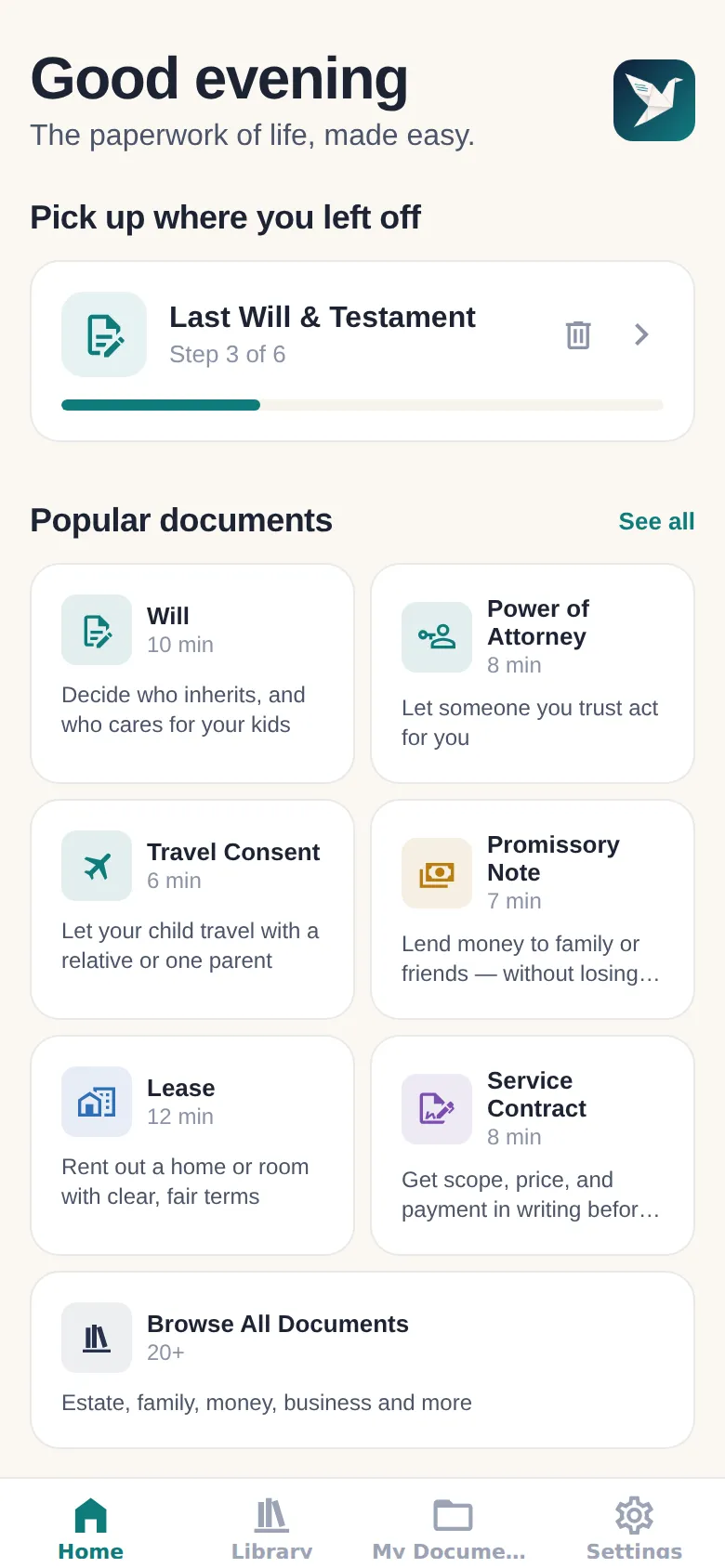
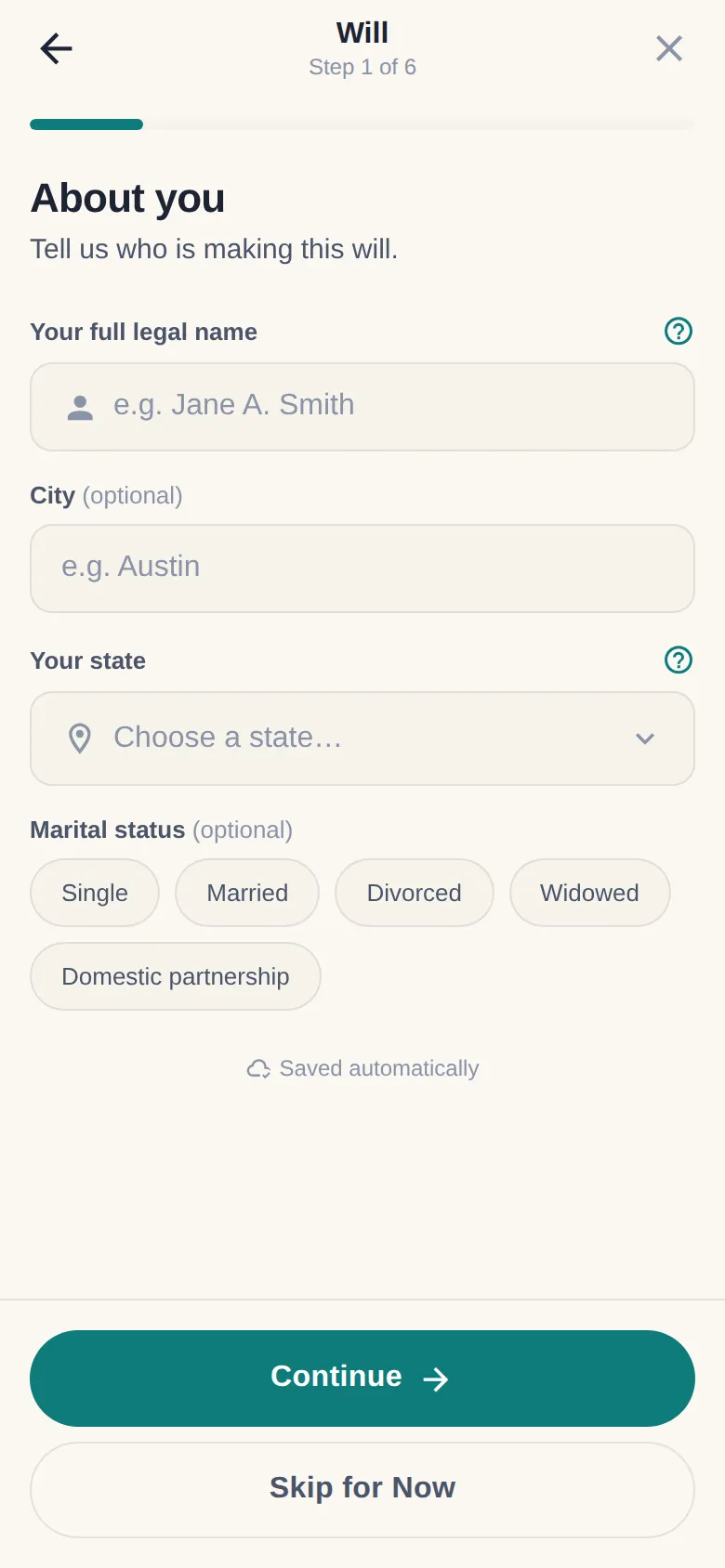
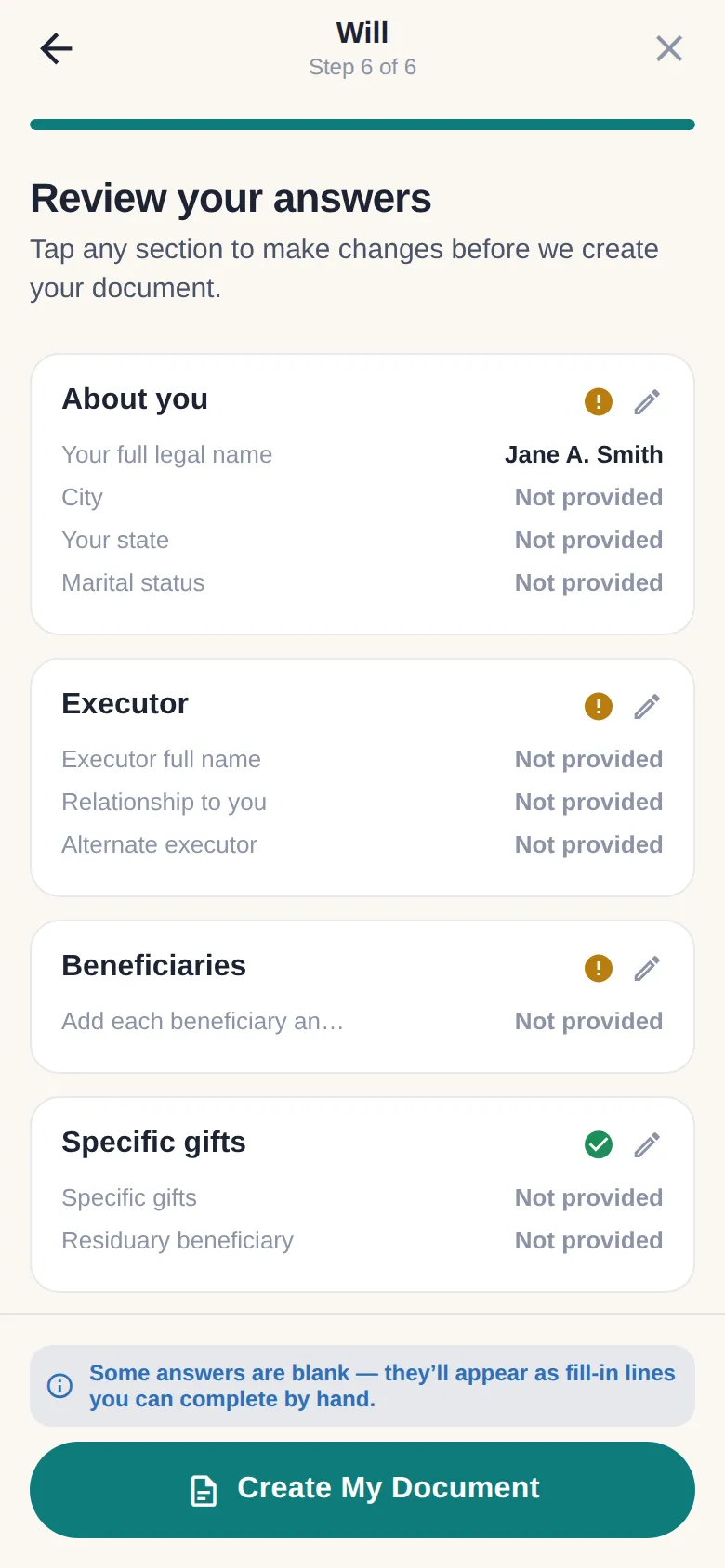
Paperbird is not a law firm, and its documents and information are not a substitute for the advice of an attorney. Paperbird does not provide legal advice. The documents you create are drafts filled in from fixed templates with your answers. No AI writes or changes your document while you use the app.
Every document comes with signing steps (witnesses, notarization, what’s next), and we encourage you to have an attorney review anything complex. That’s the deal: real help, honestly described.
Paperbird is on the App Store and Google Play.